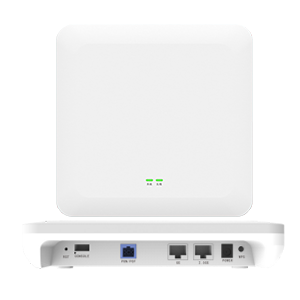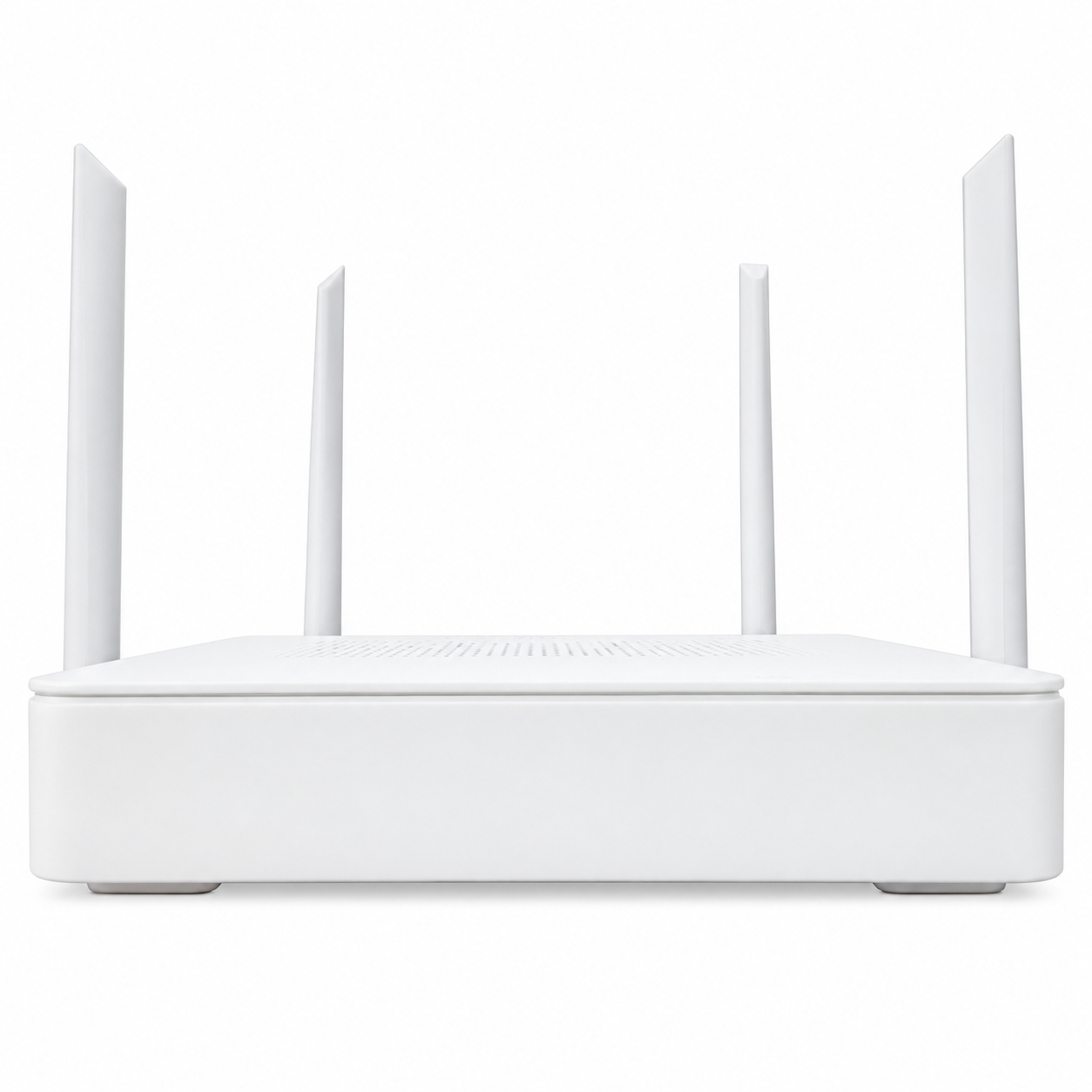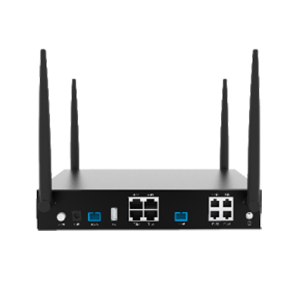
Desktop FTTO secondary gateway with an asymmetric GPON uplink, dual-band Wi-Fi 6, built-in antennas, 1 × Gigabit Ethernet and 1 × 2.5 Gigabit Ethernet. Provides local wired and wireless access in rooms and work areas within a compatible FTTO network.
Desktop secondary gateway only. The main gateway and distribution components are specified separately.
Need a custom spec or OEM branding on this product? Talk to our engineering team.
Every batch, before shipment
Manufacturing
Custom specs and branding
Americas, Europe and Africa
The Fibramérica FTTO Desktop Gateway is a secondary device that brings network access to individual rooms, offices and other indoor areas. In an FTTO installation, it connects through the building fiber distribution network to a compatible main gateway and provides local Wi-Fi and Ethernet connections.
Its desktop format suits installation on a desk, shelf or other appropriate indoor surface. Built-in antennas support dual-band Wi-Fi 6 with 2 × 2 MIMO. One Gigabit Ethernet port and one 2.5 Gigabit Ethernet port provide wired connectivity for compatible computers and other network devices.
The gateway supports GPON and GE uplink access, with bridge, routing and hybrid operating modes. Its networking functions include DHCP, DNS, NAT, VLAN and multicast, together with IPv4/IPv6 dual-stack support. Multiple SSIDs and adjustable transmit power allow the wireless settings to be adapted to the installation.
Local web management provides access to configuration settings. Security functions include firewall, access control, content filtering and protection against intranet ARP attacks.
Explore the Fibramérica FTTO Main Gateway with Wi-Fi 6 AX3000 as the central device in the same FTTO product family. The main gateway, secondary gateways, optical distribution and power arrangement are selected together for the project. Compatibility, optical link design and configuration must be confirmed before deployment.
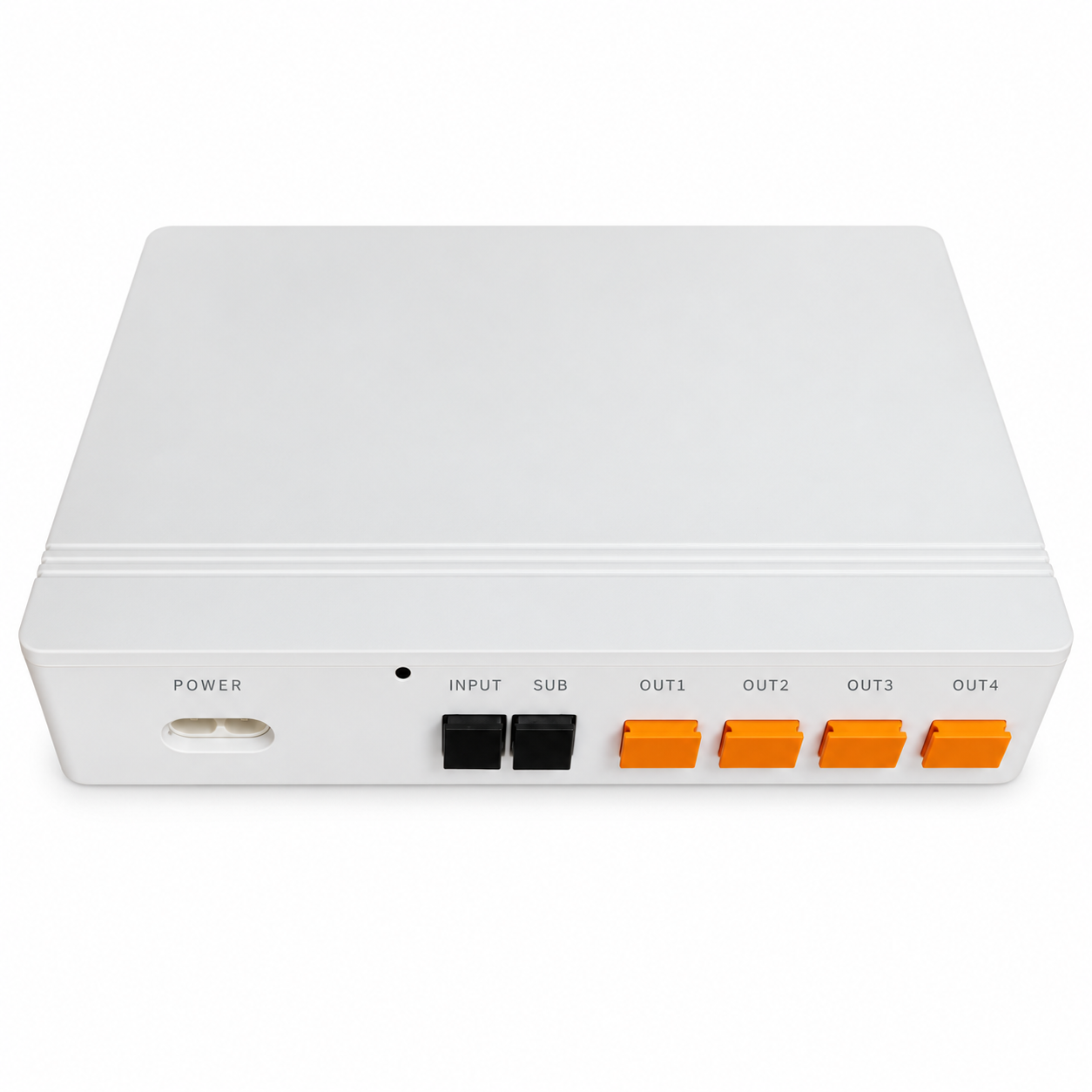
This listing covers the desktop secondary gateway. The main gateway, optical splitters, fiber, connectors, power accessories and installation are specified separately. The power specification is 12 V, 18 W, with an optional compatible POF power configuration. That option requires the appropriate device configuration, equipment and cabling.
| Specification | Details |
|---|---|
| Device role | FTTO desktop secondary gateway |
| Installation format | Desktop |
| Optical uplink | GPON, asymmetric |
| Ethernet interfaces | 1 × Gigabit Ethernet + 1 × 2.5 Gigabit Ethernet |
| Additional uplink option | GE uplink supported; an existing interface is assigned this role according to configuration |
| Wi-Fi generation | Wi-Fi 6 |
| Wireless standards | IEEE 802.11b/g/n/ac/ax |
| Wireless bands | 2.4 GHz and 5 GHz |
| MIMO | 2 × 2 |
| Antennas | Built-in |
| Wireless channel widths | 20/40/80/160 MHz |
| Wireless configuration | Multiple SSIDs, automatic rate adjustment, selectable channels and adjustable transmit power |
| Memory / flash | 512 MB / 256 MB |
| FXS telephone interface | None |
| USB interface | None |
| Power specification | 12 V, 18 W |
| Optional power arrangement | POF power; requires the compatible device configuration, equipment and accessories |
| Dimensions | 200 × 195 × 38 mm |
| Housing material | Plastic |
| Operating temperature | −5 °C to +55 °C |
| Storage temperature | −20 °C to +70 °C |
| Operating humidity | 5%–95%, non-condensing |
| Uplink IP access | PPPoE, DHCP and static IP |
| WAN configuration | Multiple WAN subinterfaces |
| Operating modes | Bridge, routing and hybrid |
| Network functions | DHCP server, DNS, NAT, routing, NTP, VLAN and multicast |
| IP protocol support | IPv4/IPv6 dual stack |
| IPv6 functions | Address management, data forwarding and DNS resolution |
| Security functions | Firewall, access control, content filtering and intranet ARP attack protection |
| Management | Local web configuration and management |
Wireless channel availability, interface roles and optional power arrangements depend on the selected configuration and installation. Ethernet interface ratings do not guarantee internet or application throughput.
It provides network access in a particular room or area. In this FTTO architecture, the main gateway distributes the connection through the fiber network, and secondary gateways provide local Wi-Fi and Ethernet interfaces.
This listing covers the desktop secondary gateway. The main gateway, optical distribution components, cabling and power accessories are specified separately for the complete network.
It has two Ethernet interfaces: one Gigabit Ethernet port and one 2.5 Gigabit Ethernet port. If Ethernet uplink operation is selected, an existing GE interface is assigned that role according to the configuration.
The port provides a local interface of that class. Actual internet and application speeds depend on the access service, optical network, connected devices, configuration and simultaneous traffic.
Compatibility must be confirmed with the selected main gateway or optical access equipment. A GPON interface alone does not establish compatibility with every implementation, firmware version or provisioning system.
The power specification is 12 V, 18 W. Optional POF power requires a compatible device configuration and the appropriate power equipment and cabling. Confirm the power arrangement and included accessories in the project quotation; standard PoE compatibility is not specified.
This desktop model has no FXS telephone interface and no USB interface.
Our engineering team can confirm compatibility, custom specs and OEM branding options.